Plan a Google Vids scene.
A worked plan for a fictional repair morning. Read left to right as time passes. Each frame is one composition state; the reasons below it are the useful part to carry into your own announcement. Start with the original sequence, then change one boundary at a time.
One idea first.
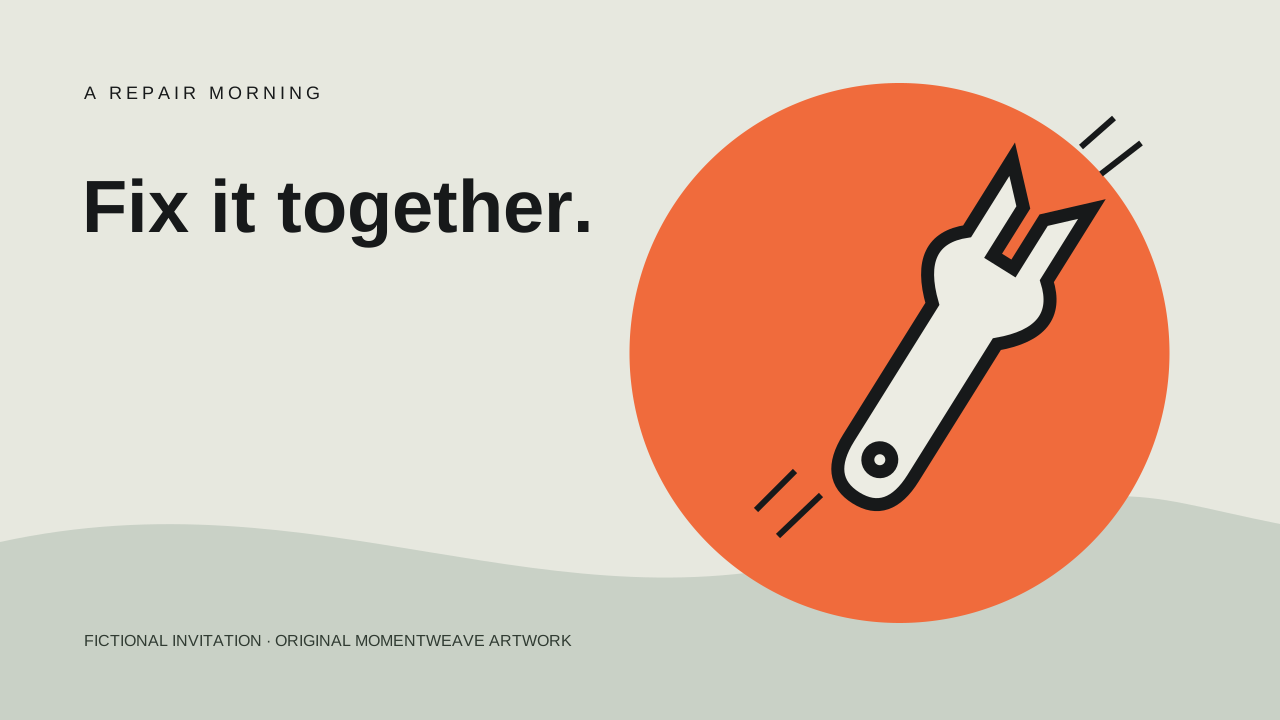
The opening is an invitation, not the whole schedule. The illustration supplies a repair theme while one short line carries the message. Four seconds gives this version an unhurried start. It is a design choice, not a universal reading-speed rule.
The title stops exactly at 4.0 s. If the next line starts at 4.0 s, they never occupy the same moment.
- Object interval
- Title: 0.0 → 4.0
- Production decision
- Keep the art present from 0.0 to 16.0.
Make the request small.
“One small thing” turns the invitation into a manageable action. Replacing the headline in the same position avoids making the viewer hunt for a second text block. The five-second hold leaves more room for this new instruction.
Extend the first line to 5.0 s in the room. At 4.5 s the collision becomes visible; splitting the scene is not necessary to fix it.
- Object interval
- Bring: 4.0 → 9.0
- Production decision
- Check 3.9 s, then 4.0 s.
Give the date room.
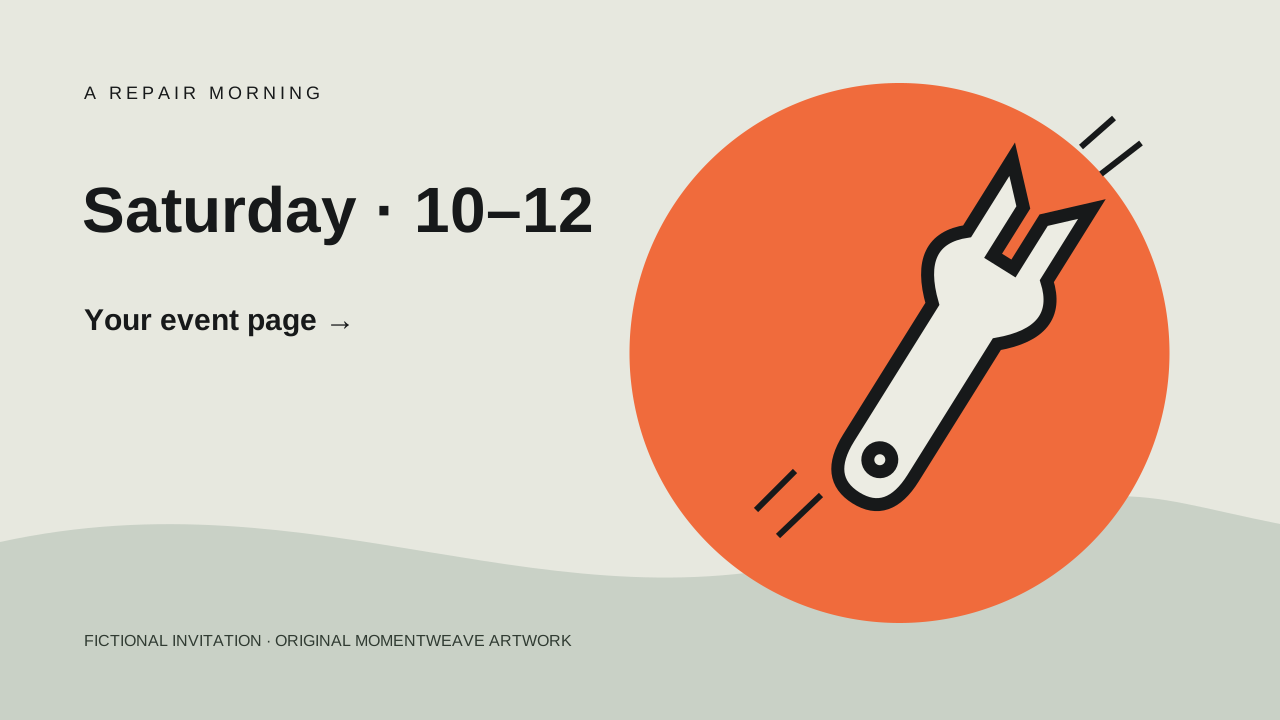
The first two messages have done their work. Only now does the schedule take the headline position. Keep it present to the end, so the later destination does not compete with a disappearing date.
If your event needs a full address, move that detail to the event page. A tiny fourth line may fit the canvas and still fail on a phone.
- Object interval
- When: 9.0 → 16.0
- Production decision
- Check the smallest intended playback size.
Leave a clear next step.
The destination joins the schedule in a separate position. This is an intentional overlap: the viewer needs both pieces at once. Replace the placeholder with a short, memorable destination; this drawn text is not a clickable button.
At 16.0 s the scene is over. A four-second object occupies 12.0 ≤ time < 16.0; its final sampled frame here is 15.9 s.
- Object interval
- Where: 12.0 → 16.0
- Production decision
- Test the destination on its own page.
Shorter is a different edit.
For an eight-second version, do not simply halve every interval and squeeze all four messages in. Keep the invitation from 0 to 3 seconds, then show the schedule and destination together from 3 to 8 seconds. Move “one small thing” into the event page. The result asks the viewer to remember fewer new lines, and protects the final five-second hold.
Use a new scene when the visual setting or story beat changes. When only a line’s entry and exit change, an object interval inside the same scene keeps the persistent illustration intact. This exercise uses hard cuts and no voiceover; in a narrated version, settle the spoken wording first and align the cue plan to that recording.
Keep the eight-second cue plan (.csv) ↓
Carry the objects into Google Vids →