MomentWeave← Production sheetOpen rehearsal ↗

The back of the production sheet

Carry the parts.
Rebuild the timing.

The picture is one file. The four changing lines must remain separate objects. A flattened frame can show the design, but it cannot carry those individual intervals into Google Vids.

01 / stays in place

The base picture

1280 × 720 · 16:9

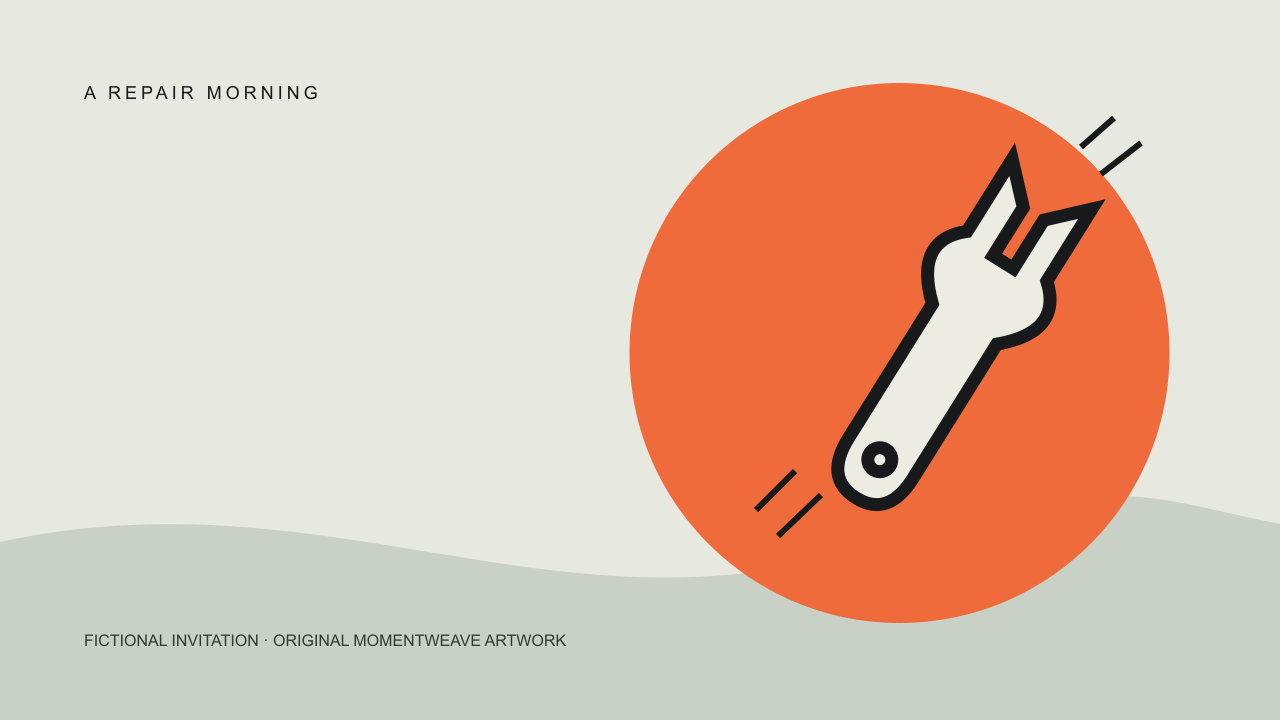
A REPAIR MORNINGFICTIONAL INVITATION · ORIGINAL MOMENTWEAVE ARTWORK

Keep the base present for the full scene. Put the changing messages in the clear space on the left. This composition uses a fixed title and artwork; replace the fictional event identity before publishing your own invitation.

Download the original base PNG ↓
Download the production pack (.zip) · 7 files, including both cue plans and the reuse licence.

PNG is a single image. For an editable illustration, use the SVG in the production pack.

In your editor

Start with one scene and set its duration to 16 seconds. Insert the base picture from your computer through Uploads, fit it to the scene, and keep it behind the text.

Google’s media and text instructions ↗

02 / changes with time

Four text objects

One line per object

Fix it together.0.0 → 4.0 s / upper left
One small thing.4.0 → 9.0 s / same position
Saturday · 10–129.0 → 16.0 s / same position
Your event page →12.0 → 16.0 s / below the schedule

These are the original values. If you changed the rehearsal, download its CSV before leaving the tab. Enter that plan manually; the CSV is not a Vids import file.

In your editor

Add four separate text boxes. Open Show timing, then adjust each object track’s edges to the chosen interval. Clicking a track changes the time shown on the canvas. To move a whole track, it must be shorter than the scene.

Google’s object timing instructions ↗

03 / view the handoffs

Watch both sides of a cut

3.9 / 4.0 · 8.9 / 9.0 · 11.9 / 12.0

The first two cuts replace a headline. The last adds a second line while the schedule stays present. Watch the full sequence as well as the boundaries: a perfectly aligned cut can still feel rushed when the wording is long.

Keep animations off for the first pass. If you add an entrance or exit later, inspect how long the text is fully readable—not just how long its object track is. Our rehearsal uses hard cuts, no audio and 0.1-second steps; it does not simulate Vids animation curves or export frames.

Inspect the first handoff in the rehearsal ↗

Why the canvas changed

Google announced point-in-time editing on 6 October 2026. The canvas now follows the playhead rather than showing every object in a scene at once. There is no switch to enable it. Account and rollout availability still apply.

Read the dated announcement ↗

Animation and duration guidance ↗

A DIFFERENT EDIT / MANUAL PLAN ONLY

Four more seconds
need an object decision.

The current rehearsal is a 16-second scene. The 20-second revision below is a separate original paper plan for manual rebuilding; it is not a new duration mode in the rehearsal.

Request: hold the destination longer.

Changing only the scene's end to 20 seconds leaves an important question unanswered: which objects should still be visible from 16 to 20? Write that decision into the cue plan instead of assuming every object will follow the new duration.

Base artwork0–160–20 seconds

Invitation0–4 seconds · unchanged

What to bring4–9 seconds · unchanged

Schedule9–169–20 seconds

Destination12–1612–20 seconds

The final composition now has both schedule and destination from 12 up to, but not including, 20 seconds. That is an eight-second final hold. This is a design choice for this fictional invitation, not a claim about a universal reading time.

Inspect the changed boundary, not just the new total.

At 15.9 seconds, both lines should still be present. At 16.0, they should remain rather than vanish at the old end. At 19.9, check the last intended composition. At 20.0, this plan has ended. Keep those four observations in the handoff to whoever rebuilds the scene.

If you add a fade later, specify the fully readable portion as well as the object's overall track. The rehearsal's hard cuts do not model that animation. Google's object timing guidance explains the native controls; the exact cue values here are our authored plan.

A revision note the next editor can use

“Revision D extends the scene and base to 20 seconds. Schedule and destination also end at 20. Invitation and bring-message boundaries stay unchanged. No wording, audio or animation change is included. Check 15.9 / 16.0 / 19.9 before delivery.”

That note separates changed intervals from unchanged content. Keep the old plan as Revision C rather than overwriting the only record of the comparison. Download the complete five-object revision note · TXT.

Before the invitation leaves your desk

Open the destination written in the last frame. Confirm the event details, the visitor’s next action and what happens without your editor login. A video’s drawn URL does not make a broken destination work.

WebTraceCheck is an optional browser for inspecting your own public event page in a fresh context. If your own existing signup sends a non-sensitive test invitation, CleanTempMail is an optional disposable inbox for that test. Keep your real Google account, recovery address and attendee records on durable addresses.

Both products share MomentWeave’s operator. Links carry source and placement labels, never your edited text. Neither product is required to use this worksheet or Google Vids.

About this edition · sources, privacy and reuse

MomentWeave is an independent, original composition study. It does not represent Google, a band or any former organisation associated with this domain. The repair morning, copy and illustration are fictional learning material. No event is being advertised or booked.

The original artwork and cue plans are supplied under the MIT licence in the production pack. You can adapt them; keep the included licence notice with redistributed copies. The editable SVG, base PNG and timing CSV are our files, not a native Google Vids project. We have not verified a native import/export round trip. The assembly notes follow the official documentation linked beside each task, checked 16 October 2026.

Rehearsal edits stay in this tab’s memory. No local storage, account, payment or AI API is used. Reloading clears changes. Downloads stay on your device. Cloudflare processes ordinary request metadata, including the page URL and IP address. A time fragment such as #t=4.0 stays in the browser; it carries no edited text.

Send a correction. Use the official Vids learning centre for current account and device availability. This mobile-friendly worksheet does not imply that Google Vids editing is available on mobile.